

 Español
 Português
 لالعربية
 Русский
 Bahasa Indonesia
 Français
 Türkçe
 Bahasa Melayu

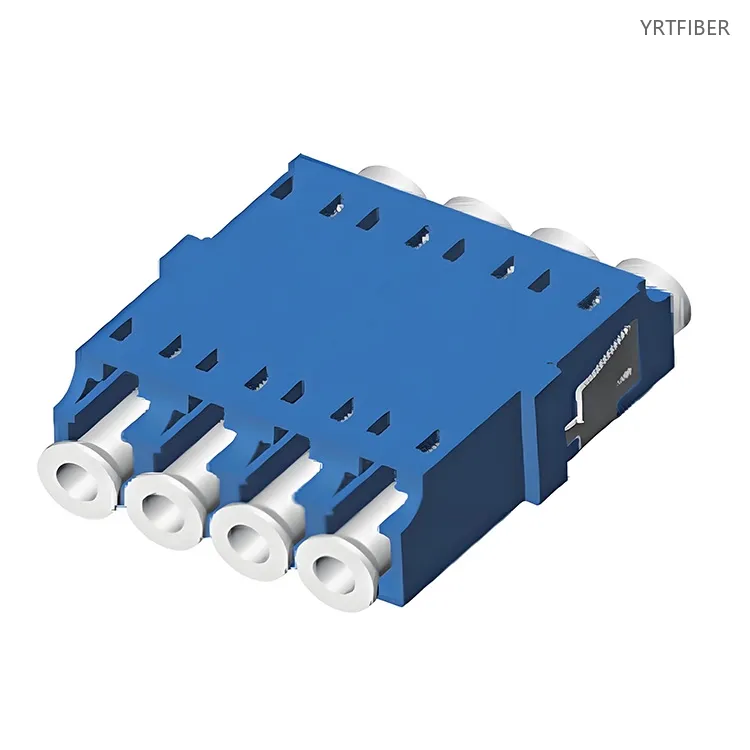
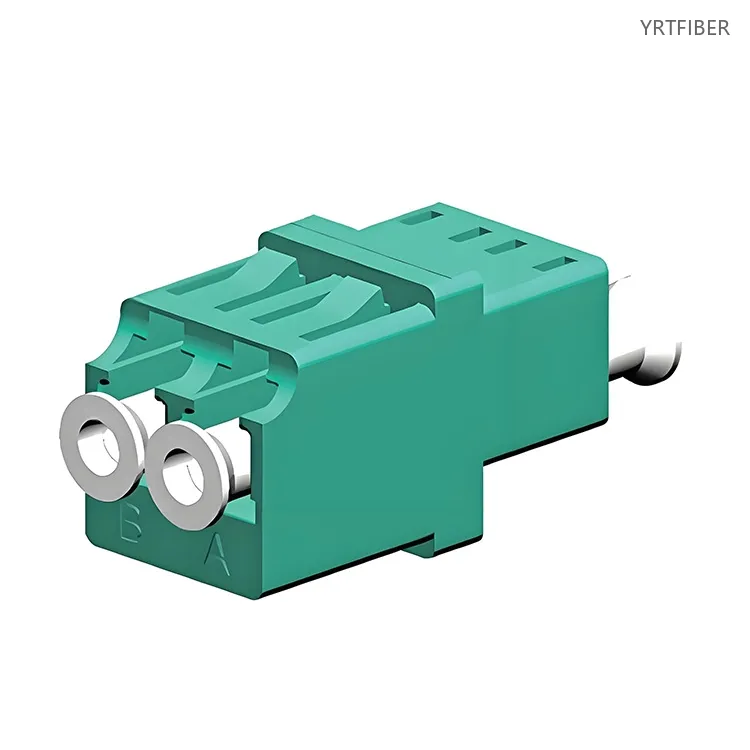
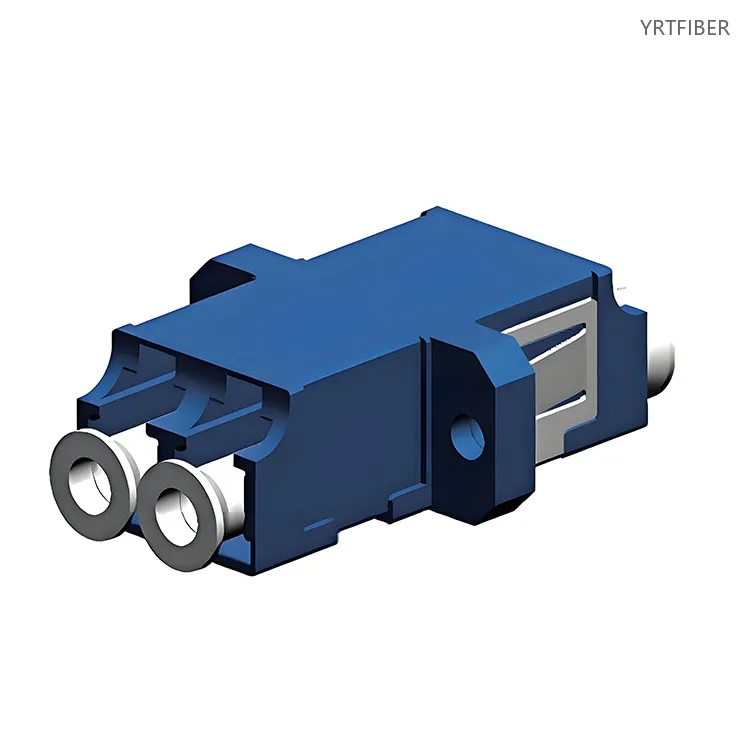
LC-LC Duplex Fiber Optic Adapter – Compact, High-Density Coupler for Network Panels
LC female‑to‑female, simplex/duplex, push‑pull latch for tool‑less insertion/removal.
Zirconia ceramic sleeve: insertion loss ≤0.2 dB, return loss ≥50 dB; compatible with single‑mode and multimode fibers.
Flame‑retardant plastic housing; optional flange for snap‑in or screw mounting to panels.
Rated for >1.000 mating cycles with minimal degradation.
What is an LC Fiber Optic Adapter?
The LC fiber optic adapter is a high‑precision coupler that aligns and connects two LC connectors, featuring a push‑pull latching mechanism for rapid engagement and a zirconia ceramic alignment sleeve for low‑loss optical transmission. Its compact duplex design allows two fibers to be connected in a single small housing, making it the preferred choice for high‑density patching in data centers, enterprise networks, and telecom equipment where space is at a premium.
LC fiber optical adapter Specification parameters
- Specification parameters
- OPTICAL CHARACTERISTICS
| Item NO. | Description | Unit | Standard |
|---|---|---|---|
| 1 | Insertion Loss(dB) | dB | ≤0.2dB |
| 2 | Repetitiveness(dB) | dB | ≤0.1dB |
| 3 | Interchangeability (dB) | dB | ≤0.2dB |
| 4 | Plug times | Times | 200 times |
| 5 | Tensile strength | G | 200-600G |
| 6 | Operating temperature | Celsius | -40~+85 Celsius |
| 7 | Storage temperature | Celsius | -40~+110 Celsius |
| 8 | Humidity | Celsius | 95%Rh (Non-Packaging) |
Product Structure & Composition
1:LC Standard Adapter Specification
2:LC Duplex Adapter(SC Type)
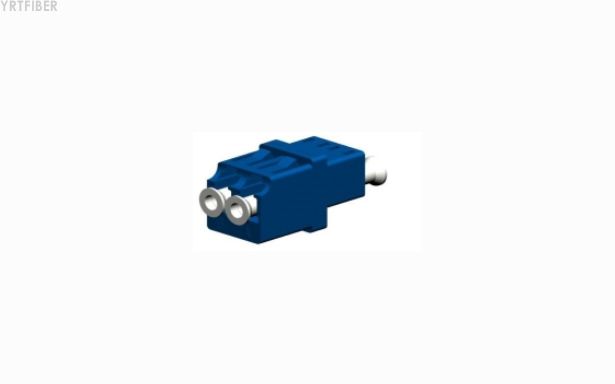
3:LC Quad Adapter Specification
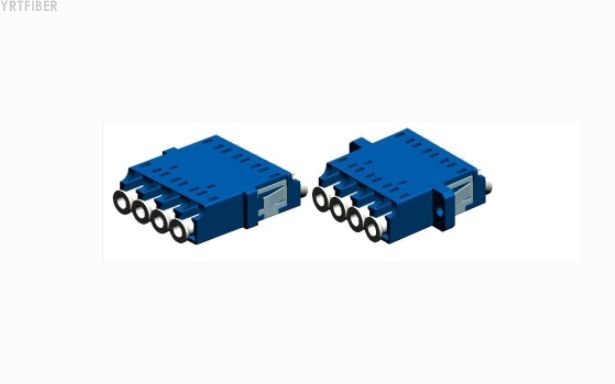
4:LC Quad Adapter With Shutter
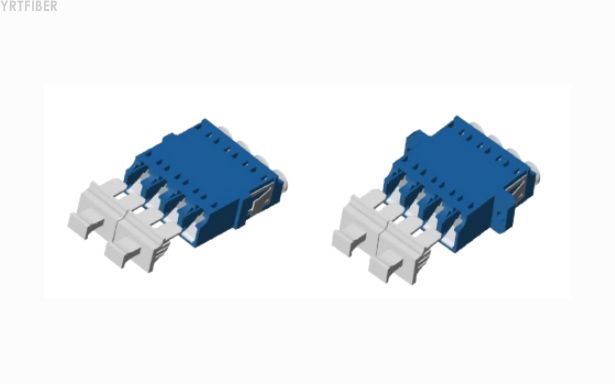
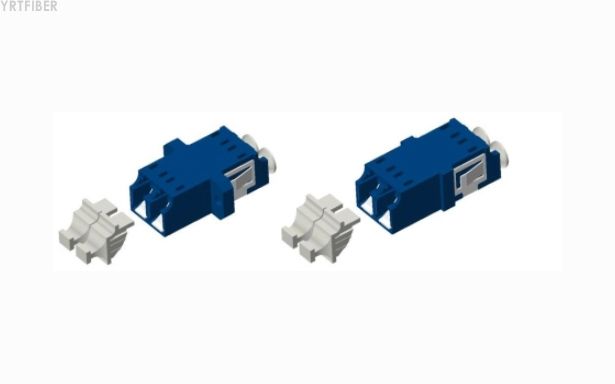
5:LC Duplex Adapter With Shutter Specification
Benefits of LC fiber optical adapter
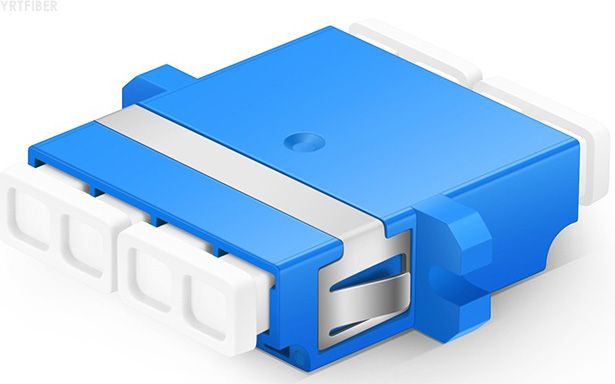
Space‑Saving High‑Density Design
The LC adapter's compact footprint (half the size of SC) enables exceptionally high port density. In a 1U patch panel, up to 48 duplex LC ports (96 fibers) can be accommodated, significantly reducing rack space and cable management complexity compared to SC or FC alternatives.
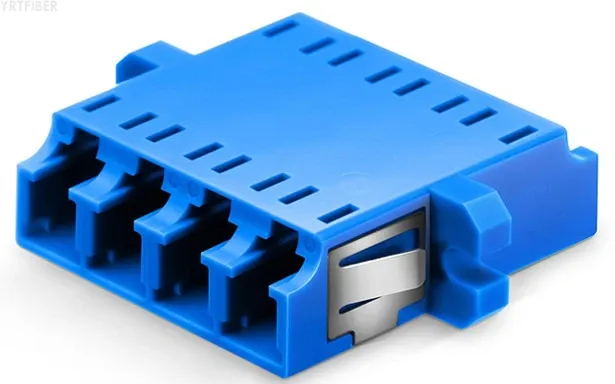
Precision Low‑Loss Alignment
The zirconia ceramic split sleeve guarantees accurate ferrule mating, delivering typical insertion loss of ≤0.2 dB and return loss ≥50 dB. This performance supports 10G/40G/100G Ethernet and high‑speed storage networks, ensuring signal integrity over long links.
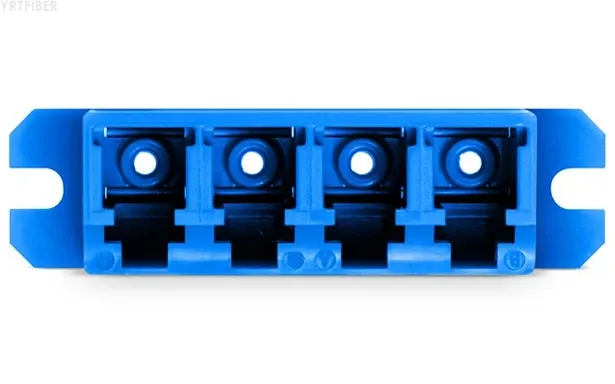
Quick and Reliable Push‑Pull Latching
The push‑pull mechanism allows one‑handed connection and disconnection, reducing installation time. The audible click confirms secure latching, while the latch design prevents accidental release, maintaining connection stability in standard indoor environments.
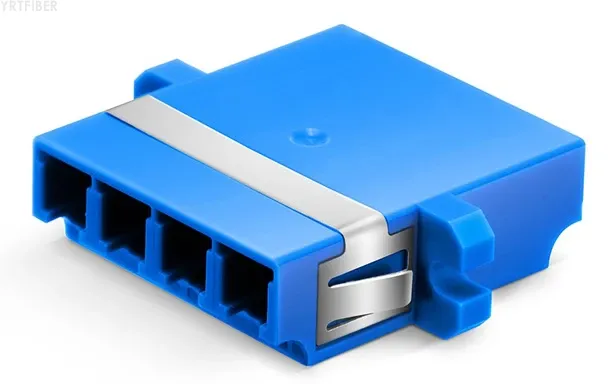
Versatile Compatibility and Easy Identification
Available with blue (single‑mode) or aqua/beige (multimode) housings, the adapter enables instant visual fiber type identification. The keyed interface ensures connectors are inserted correctly, preventing polarity errors and maintaining system integrity.
Engineering Applications LC fiber optical adapter
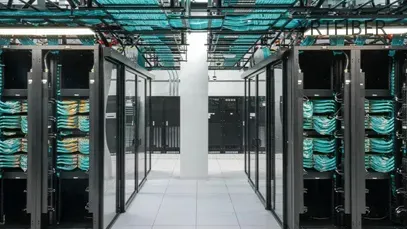
High‑Density Data Centers
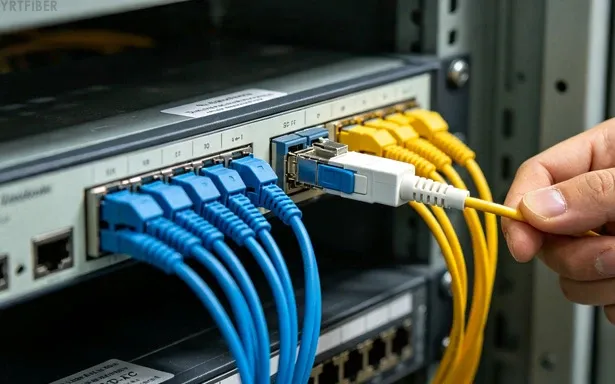
In modern data centers, LC adapters are the standard for connecting top‑of‑rack switches to patch panels and for inter‑rack cabling. Their small size allows dense patching fields, supporting high‑speed fiber links between servers, storage, and network switches.
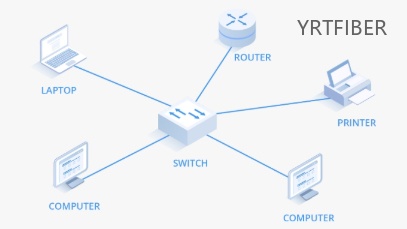
Enterprise LAN and Campus Networks
For enterprise wiring closets and main distribution frames, LC adapters provide reliable, space‑efficient patching. They connect switches, routers, and active equipment, facilitating fast reconfiguration and high‑bandwidth applications such as video conferencing and large‑data transfers.
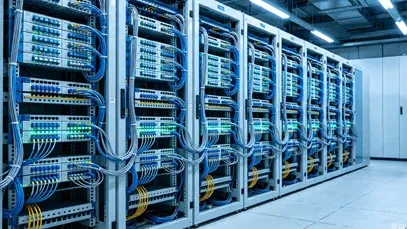
Telecom Central Offices and ODFs
Carrier‑grade optical distribution frames increasingly adopt LC adapters for high‑density termination of feeder and distribution cables. The duplex design simplifies bidirectional links, and the durable housing ensures long‑term reliability in central office environments.
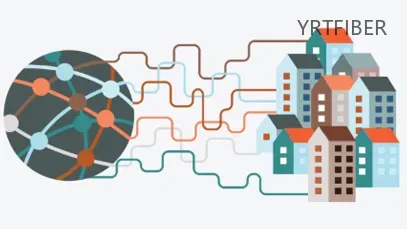
FTTH and FTTx Distribution Points
In Fiber‑to‑the‑Home projects, LC adapters are used in terminal boxes and subscriber premises to connect drop cables to optical network terminals (ONTs). Their small size fits easily into compact enclosures, and the color coding aids field technicians in quick identification.
Shipping & Packaging
Product Comparison:
LC Adapter (Duplex) vs. SC Adapter (Duplex)
| Feature / Dimension | LC Duplex Adapter | SC Duplex Adapter |
|---|---|---|
| Structure / Form Factor | Two LC ports in one housing. Push‑pull latch. Compact (half the width of SC). Snap‑in or screw flange. | Two SC ports in one housing. Push‑pull latch. Larger footprint. Snap‑in or screw flange. |
| Coupling Mechanism | Push‑pull with RJ‑45 style latch. Quick, tool‑less. | Push‑pull with larger latch. Quick, tool‑less. |
| Typical Applications | High‑density data centers, enterprise networks, compact FTTH boxes. | ODFs, telecom central offices, CATV, lower‑density patching. |
| Key Engineering Pros | - Highest port density (up to 48 duplex ports per 1U). - Smaller size reduces cable congestion. - Widely used with modern transceivers (SFP/QSFP). | - Larger size makes handling easier. - Well‑established standard with broad legacy compatibility. - Slightly more robust latch mechanism. |
| Key Engineering Cons | - Smaller size can be fiddly for some technicians. - Latch may be less durable under heavy use compared to SC. | - Lower density, requires more rack space. - Bulkier cable management. |
| Tolerance to Vibration / Shock | Good, but push‑pull latch can loosen under extreme vibration. | Good, similar latch design but larger size may offer slightly more stability. |
| Housing Material Options | Flame‑retardant plastic (UL94‑V0), color‑coded. Metal variants available. | Flame‑retardant plastic, color‑coded. Metal variants available. |
| Fiber Mode Options | Single‑mode (blue) and multimode (aqua/beige). | Single‑mode (blue) and multimode (beige/black). |
| Cost (Relative) | Comparable to SC, slightly higher for high‑precision versions. | Generally cost‑effective, widely available. |
| Maintenance & Handling | Requires care during insertion due to small size; cleaning with LC‑specific tools. | Easier to handle and clean; standard cleaning swabs. |
LC fiber optical adapter Selection Guide
How to Choose the Right LC Fiber Optic Adapter
Selecting an LC adapter begins with fiber mode: choose a blue housing for single‑mode (G652D/G657A) and an aqua (OM3/OM4) or beige (OM1/OM2) housing for multimode. This ensures compliance with TIA/EIA‑568 color standards.
Next, determine simplex vs. duplex. Simplex is used for single‑fiber unidirectional links; duplex is essential for bidirectional transmission (TX/RX) and is the most common choice for network equipment.
Consider the mounting type: snap‑in (with clips) allows quick tool‑less installation; screw‑mount provides extra security for high‑vibration environments. For high‑density panels, snap‑in is preferred for speed.
Evaluate environmental needs: standard plastic housings suffice for indoor data centers and offices. For industrial or outdoor cabinets, select metal‑housed variants for enhanced durability and temperature resistance.
Finally, check polarity for duplex connections – ensure your adapter and patch cords follow the same polarity scheme (A‑B or A‑A) to maintain correct transmit‑receive pairing.
Installation Instructions of LC fiber optical adapter
Panel Mounting
For snap‑in adapters, align with cutout and push firmly until clips engage; for screw‑mount, insert and secure with screws. Ensure correct orientation (key side up/down per polarity scheme).
Connecting Cables
Inspect LC end‑faces and clean if needed. Insert LC connector with a firm straight push until it clicks. For duplex, connect the correct fiber (e.g., Tx to Rx) per system polarity.
Cable Management and Labeling
Route cables with gentle bends (>30 mm radius for SM) and secure with ties or bars. Label panel ports and fiber pairs. Color‑coded housings provide instant fiber‑type identification.
Download YRTFIBER Product Catalog
Factory Real Shot
Frequently Asked Questions & Quick Inquiry
LC fiber optical adapter FAQ
What is the typical insertion loss of the LC adapter?
Typical insertion loss is ≤0.2 dB, with premium versions achieving ≤0.1 dB, ensuring minimal signal attenuation.
Can I use this adapter for both single‑mode and multimode?
Yes, but you must select the correct color‑coded version for the fiber type to avoid mismatches and maintain performance.
How does the push‑pull latch work?
Insert the LC connector straight into the adapter until you hear a click. To release, push the tab forward (or pull the latch, depending on design) and withdraw the connector.
How many mating cycles are supported?
The adapter is rated for over 1,000 mating cycles with negligible performance degradation.
Is the adapter compliant with international standards?
Yes, it complies with IEC 61754‑20 (LC interface) and RoHS environmental requirements.
What is the operating temperature range?
Standard plastic‑housed adapters operate from -40°C to +85°C, suitable for most indoor environments.
What is the difference between simplex and duplex LC adapter?
Simplex has one LC port (one fiber); duplex has two ports side‑by‑side (two fibers) for bidirectional transmission. Duplex is most common in networking.
Can I use an LC adapter in outdoor enclosures?
Yes, if it is housed inside a weatherproof enclosure or if you select a sealed (IP‑rated) version with a protective boot.
What is the advantage of LC over SC in data centers?
LC's smaller size allows much higher port density, saving rack space and reducing cable management complexity, which is critical in large‑scale data centers.
Send Your Inquiry
Fill out the form below and we'll get back to you within 24 hours.


