

 Español
 Português
 لالعربية
 Русский
 Bahasa Indonesia
 Français
 Türkçe
 Bahasa Melayu

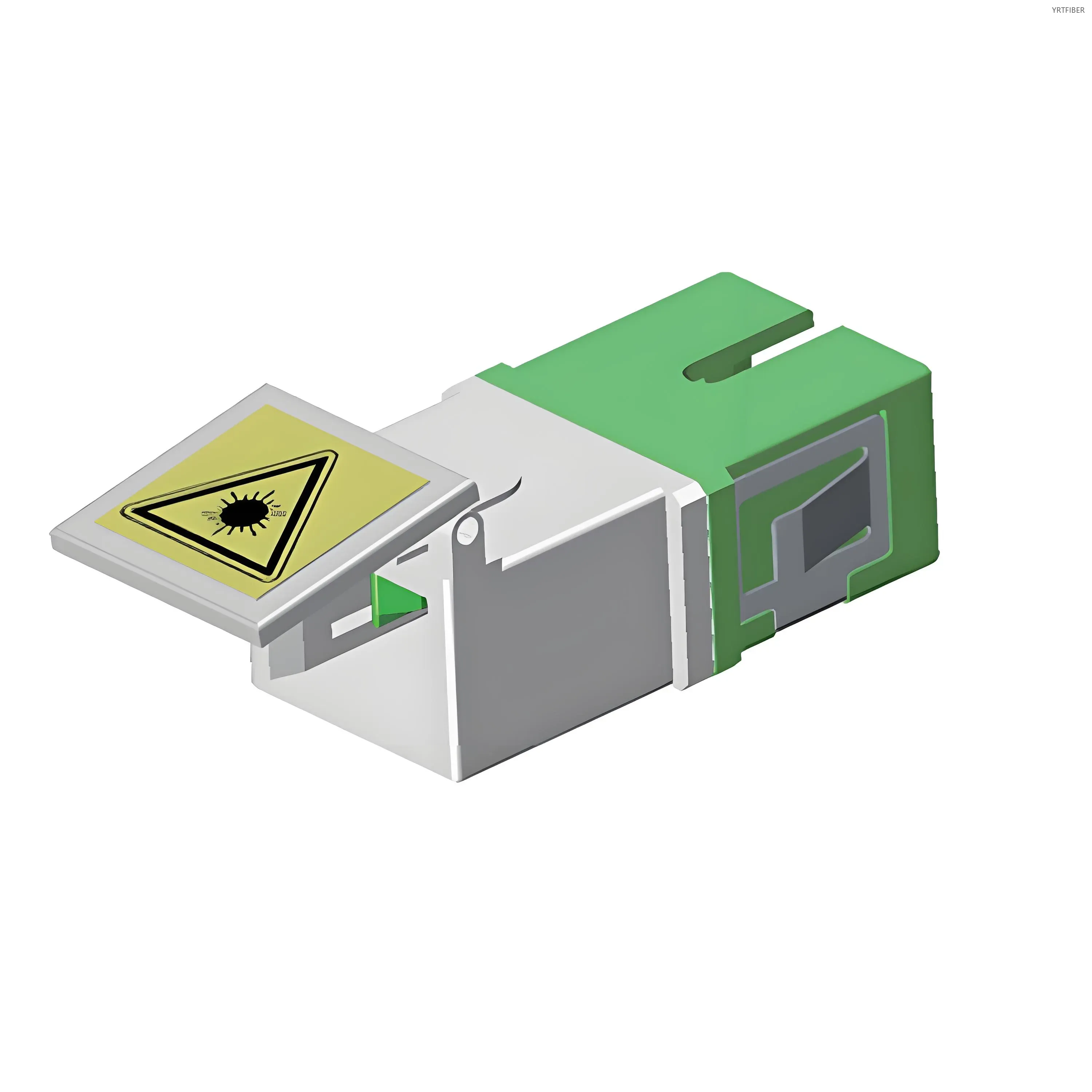
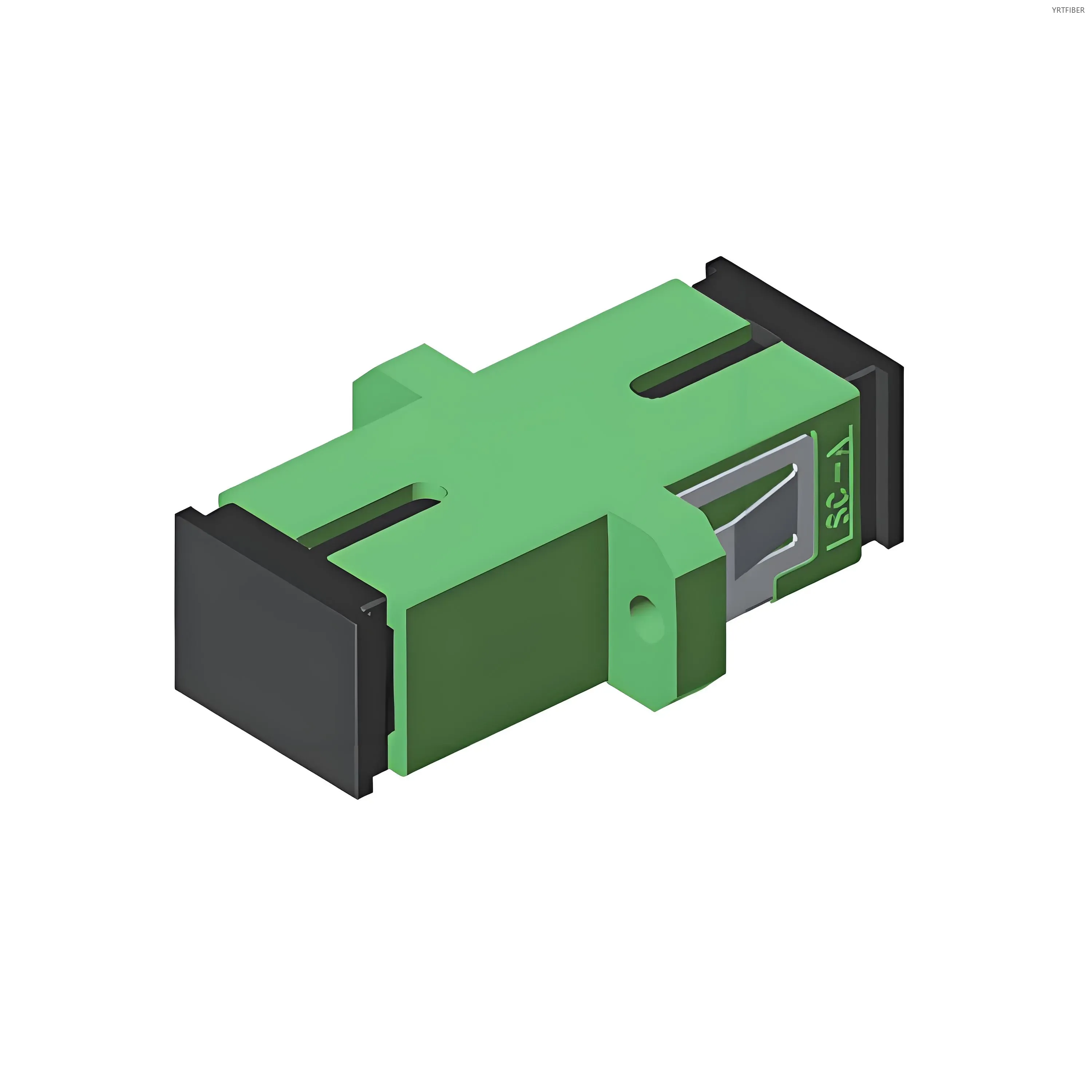
SC Fiber Optic Adapter – High-Precision SC Coupler for Singlemode & Multimode Networks
Standard SC female to female interface, available in simplex or duplex configurations.
Push-pull latching mechanism enables quick, tool‑less insertion and removal.
Precision zirconia ceramic alignment sleeve ensures low insertion loss (≤0.2 dB) and high return loss (≥50 dB).
Compatible with both single‑mode (G652D/G657A) and multimode fiber systems.
Durable flame‑retardant plastic housing (UL94‑V0) or optional metal body for enhanced mechanical stability.
Rated for over 1,000 mating cycles with minimal performance degradation.
Snap‑in flange design allows secure panel mounting without additional hardware (for flanged versions).
Color‑coded housings (blue for single‑mode, beige or black for multimode) for instant identification.
Suitable for indoor and outdoor applications when paired with appropriate protective enclosures.
What is an SC Fiber Optic Adapter?
The SC fiber optic adapter is a precision coupling device that aligns and connects two SC connectors, enabling low‑loss optical signal transmission. With a push‑pull latching design for quick engagement, a zirconia ceramic alignment sleeve for accurate ferrule mating, and a robust housing, it provides reliable performance in telecommunication networks, data centers, FTTH systems, and other fiber‑optic environments where stable connectivity is essential.
SC Fiber Optic Adapter Specification parameters
- Specification parameters
- OPTICAL CHARACTERISTICS
| Item No. | Description | Unit | Standard |
|---|---|---|---|
| 1 | Insertion Loss (dB) | dB | ≤0.2 dB |
| 2 | Repetitiveness (dB) | dB | ≤0.1 dB |
| 3 | Interchangeability (dB) | dB | ≤0.2 dB |
| 4 | Plug Times | Times | 200 times |
| 5 | Tensile Strength | G | 200–600 G |
| 6 | Operating Temperature | Celsius | -40 ~ +85 ℃ |
| 7 | Storage Temperature | Celsius | -40 ~ +110 ℃ |
| 8 | Humidity | Celsius | 95% RH (Non-Pa |
Specification & Order Code:
| Code | Type | Color | Sleeve Type |
|---|---|---|---|
| G22 | 1 With flange | 1 Blue | 1 Zirconia |
| 2 Without flange | 2 Green | ||
| 3 Aqua | |||
| 4 Beige | |||
| 5 Black | |||
| 6 Heather Violet | |||
| 7 Other custom color |
Product Structure & Composition
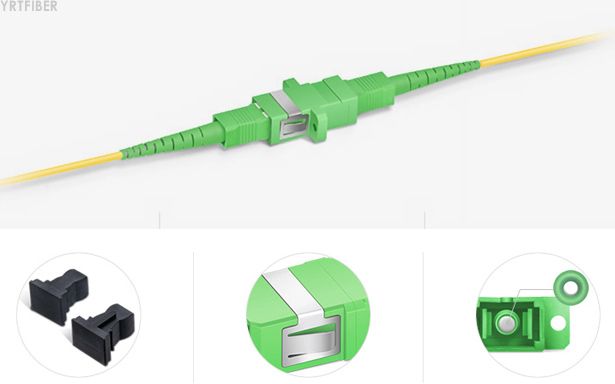
SC Interface and Push‑Pull Latch: The adapter features SC female receptacles on both ends. The SC connector uses a push‑pull locking mechanism-insert the connector until it clicks, and pull the sleeve to release-allowing fast, intuitive connections without twisting.
Zirconia Ceramic Alignment Sleeve: A precision split sleeve made of zirconia ceramic aligns the ferrule ends of the mating connectors with high accuracy, ensuring low insertion loss and minimal back reflection. This sleeve is wear‑resistant and maintains performance over thousands of cycles.
Housing and Mounting Options: The adapter body is typically molded from flame‑retardant plastic (UL94‑V0) with an integrated flange for snap‑in or screw mounting to patch panels and enclosures. Metal‑housing variants are available for increased durability in harsh environments.
Benefits of SC Fiber Optic Adapter
Precision Low‑Loss Optical Alignment
The zirconia ceramic alignment sleeve ensures that the SC connector ferrules are perfectly centered, yielding typical insertion loss of ≤0.2 dB and high return loss. This precision minimizes signal attenuation, making the adapter suitable for high‑speed networks such as 10G/40G Ethernet and dense wavelength division multiplexing (DWDM) systems.
Rugged Durability and Long Service Life
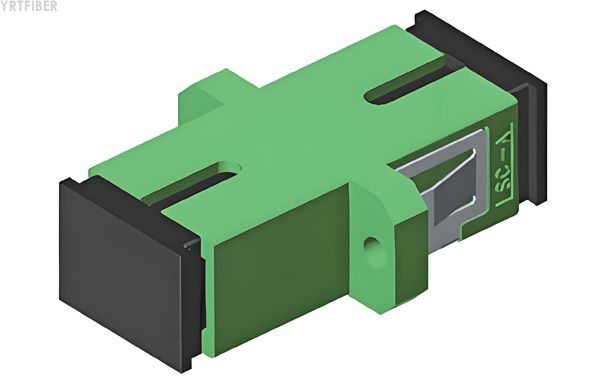
Engineered with high‑grade materials-flame‑retardant plastic or optional metal housing-the adapter withstands over 1,000 mating cycles with negligible change in optical performance. Its robust construction resists mechanical stress, temperature variations, and humidity, ensuring reliable operation in demanding indoor and outdoor installations.
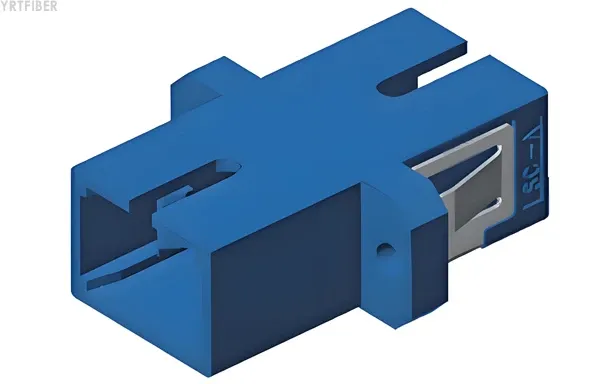
Broad Compatibility and Easy Identification
Compatible with both single‑mode and multimode fibers, the adapter is available in industry‑standard colors: blue for single‑mode, beige/black for multimode. This color coding, along with the keyed SC interface, prevents mismating and simplifies cable management in mixed‑fiber environments.
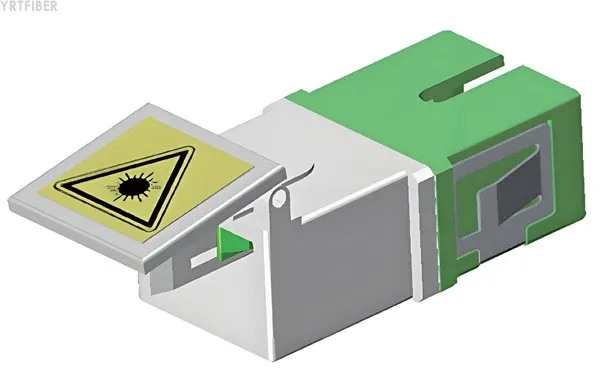
Tool‑less Snap‑in Installation
The adapter's snap‑in flange design allows quick mounting to patch panels, distribution frames, and terminal boxes without screws or special tools. This reduces deployment time and labor costs, making it ideal for rapid network rollouts and field upgrades.
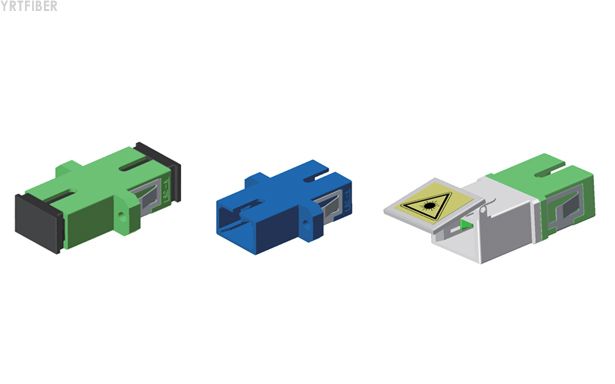
Engineering Applications SC Fiber Optic Adapter
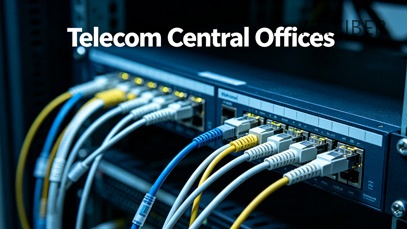
Telecommunication Optical Distribution Frames (ODF)
In central offices and carrier nodes, SC adapters are widely used in ODFs to terminate and interconnect trunk and distribution cables. Their push‑pull mechanism enables fast patching and reconfiguration, supporting efficient circuit management and service provisioning.
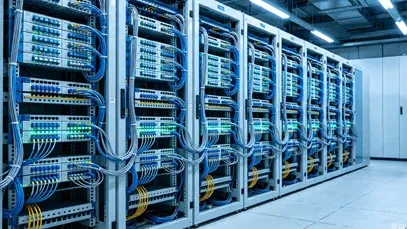
Data Centers and Enterprise Networks
For high‑density data center environments, the SC adapter provides reliable connections between servers, switches, and storage devices. Its low insertion loss and high durability support critical data traffic, while the snap‑in flange saves rack space and simplifies cabling.
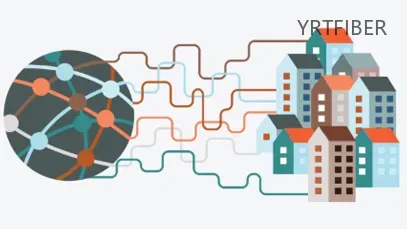
FTTH and FTTx Access Networks
In Fiber‑to‑the‑Home projects, SC adapters are deployed in terminal boxes, distribution points, and subscriber premises to connect drop cables to the optical network. The adapter's weather‑resistant housing (when sealed) and color coding ensure reliable, error‑free service delivery
Shipping & Packaging

Product Comparison:
SC Adapter vs. LC Adapter (Duplex)
| Feature / Dimension | SC Adapter (Simplex/Duplex) | LC Adapter (Duplex) |
|---|---|---|
| Structure / Form Factor | SC female on both ends. Push‑pull latching mechanism. Available in simplex or duplex. Flange or snap‑in mount. | LC female on both ends. Push‑pull latch (RJ‑45 style). Duplex only (two fibers in one housing). Compact size. |
| Coupling Mechanism | Push‑pull: insert until click, pull sleeve to release. Easy, tool‑less. | Push‑pull latch: insert until click, push tab to release. Similar operation but smaller footprint. |
| Typical Applications | ODFs, data centers, FTTH, enterprise networks, telecom central offices. | High‑density data centers, campus networks, equipment with limited panel space. |
| Key Engineering Pros | - Larger size makes handling and cleaning easier. - Well‑established standard with broad compatibility. - Snap‑in flange simplifies panel mounting. | - Higher port density (up to twice as many ports per rack unit). - Smaller size reduces cable management complexity. - Ideal for modern high‑speed transceivers (SFP). |
| Key Engineering Cons | - Lower port density compared to LC. - Push‑pull latch may be less secure in high‑vibration environments than threaded or bayonet designs. | - Smaller size can be more difficult to manipulate. - Requires more precise alignment during insertion. |
| Tolerance to Vibration / Shock | Good, but push‑pull can loosen under severe vibration. | Good, similar to SC due to similar latch design. |
| Housing Material Options | Flame‑retardant plastic (UL94‑V0) or metal, with snap‑in or screw‑mount flange. | Flame‑retardant plastic, typically color‑coded (blue/aqua). |
| Fiber Mode Options | Supports both single‑mode and multimode, with color coding. | Supports both single‑mode and multimode, with color coding. |
| Cost (Relative) | Generally cost‑effective, widely available. | Similar cost, but may be slightly higher for high‑density versions due to precision manufacturing. |
| Maintenance & Handling | Easy to handle and clean; color coding aids management. | Requires more careful handling; cleaning tools available for LC ports. |
SC Fiber Optic Adapter Selection Guide
How to Choose the Right SC Fiber Optic Adapter
When selecting an SC fiber optic adapter, start by identifying your fiber mode: choose a blue housing for single‑mode (G652D/G657A) and a beige or black housing for multimode. This ensures compliance with TIA/EIA color standards and prevents cross‑connection errors.
Next, decide between simplex and duplex. Simplex is suitable for unidirectional or single‑fiber links, while duplex is required for bidirectional transmission (e.g., transceivers with separate TX/RX). For high‑density panels, duplex adapters save space.
Consider the mounting type: snap‑in flange versions allow quick, tool‑less installation in standard cutouts, while screw‑mount flanges provide extra security for heavy‑use panels or outdoor enclosures. For extreme environments, choose a metal‑housing variant for enhanced mechanical and thermal stability.
Finally, evaluate the environmental requirements: indoor applications typically use plastic housings, while outdoor or industrial settings may require sealed (IP‑rated) or metal‑bodied adapters to resist moisture, dust, and temperature extremes.
Installation Instructions
Panel Mounting
For snap‑in flanged versions, simply push the adapter into the panel's cutout until the retaining clips lock into place. No screws or tools are required. For screw‑mount versions, align the adapter with the mounting holes and secure with the provided screws.
Connecting Cables
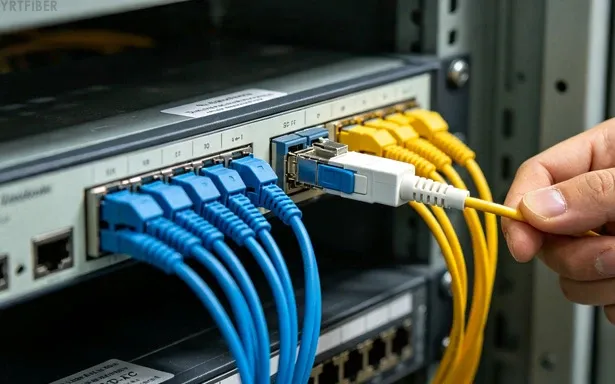
Inspect SC connector end‑faces and clean if necessary. Insert the SC connector firmly into the adapter port until it clicks. For duplex cables, ensure proper polarity (A‑B) alignment per your system's transmit/receive mapping.
Cable Management and Labeling
Route cables with gentle bends (minimum bend radius >30 mm for single‑mode) and secure them with cable management bars. Apply labels on the panel indicating port numbers and fiber pairs. The color‑coded housing provides a quick visual check of fiber type.
Download YRTFIBER Product Catalog
Factory Real Shot
Frequently Asked Questions & Quick Inquiry
SC Fiber Optic Adapter FAQ
What is the typical insertion loss of the SC adapter?
The typical insertion loss is ≤0.2 dB, ensuring minimal signal attenuation for high‑performance networks.
Can this adapter be used for both single‑mode and multimode?
Yes, the adapter is physically compatible with both. However, use the color‑coded version (blue for SM, beige/black for MM) to maintain proper system identification.
How does the push‑pull mechanism work?
Insert the SC connector into the adapter until you hear a click—this indicates the latch is engaged. To remove, pull the outer sleeve backward to release the latch, then withdraw the connector.
How many mating cycles are supported?
The adapter is rated for over 1,000 mating cycles with negligible performance change, offering long‑term reliability.
Is the adapter compliant with international standards?
Yes, it complies with IEC 61754‑4 (SC interface) and RoHS environmental directives.
What is the operating temperature range?
Standard plastic‑housed adapters operate from -40°C to +85°C, suitable for most indoor and semi‑outdoor applications.
How do I clean the adapter?
Use a dry cleaning cassette or swab specifically designed for SC adapters. Insert the tool into each port and follow the manufacturer's instructions to remove dust from the zirconia sleeve. Regular cleaning maintains low insertion loss.
Can the adapter be used outdoors?
Yes, but for outdoor use, select a sealed (IP‑rated) version or mount it inside a weatherproof enclosure to protect against moisture and UV exposure.
What is the difference between a simplex and a duplex SC adapter?
Simplex holds one fiber (single SC connector), while duplex holds two fibers (two SC connectors side‑by‑side) to support bidirectional transmission.
Send Your Inquiry
Fill out the form below and we'll get back to you within 24 hours.


